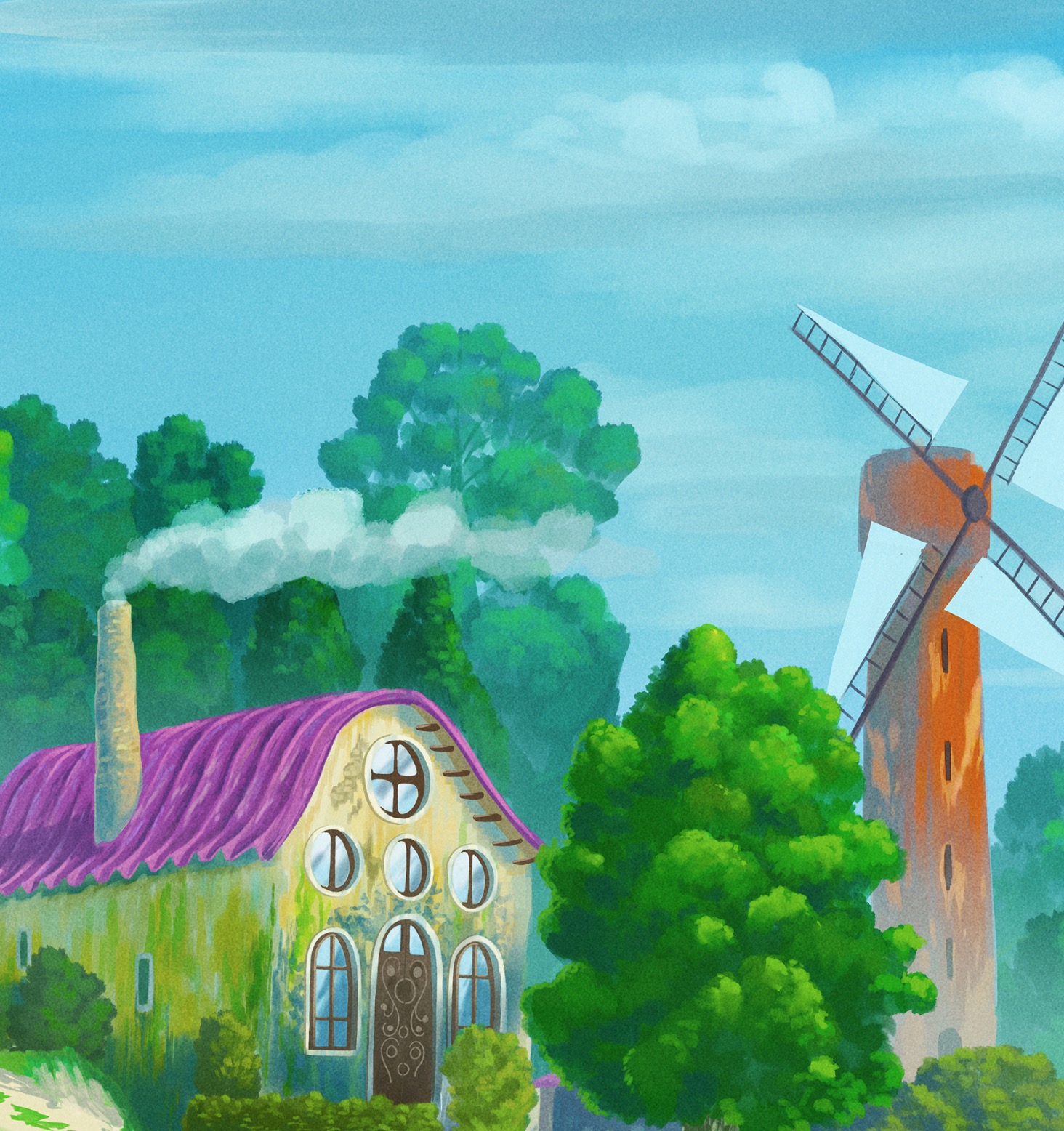
Master the complete workflow for digital landscape painting: from rough sketching and composition to advanced coloring, atmospheric lighting, and final rendering. Learn real, 100% manual techniques with zero AI generation.
Digital artists, concept artists, and illustrators who want to level up their anime-style environments and master traditional digital painting skills.
You will need a computer with a graphics tablet or an iPad. I demonstrate the workflow using Adobe Photoshop and Clip Studio Paint, but these traditional painting techniques can be applied perfectly in Procreate, Krita, Affinity, or any other digital software.
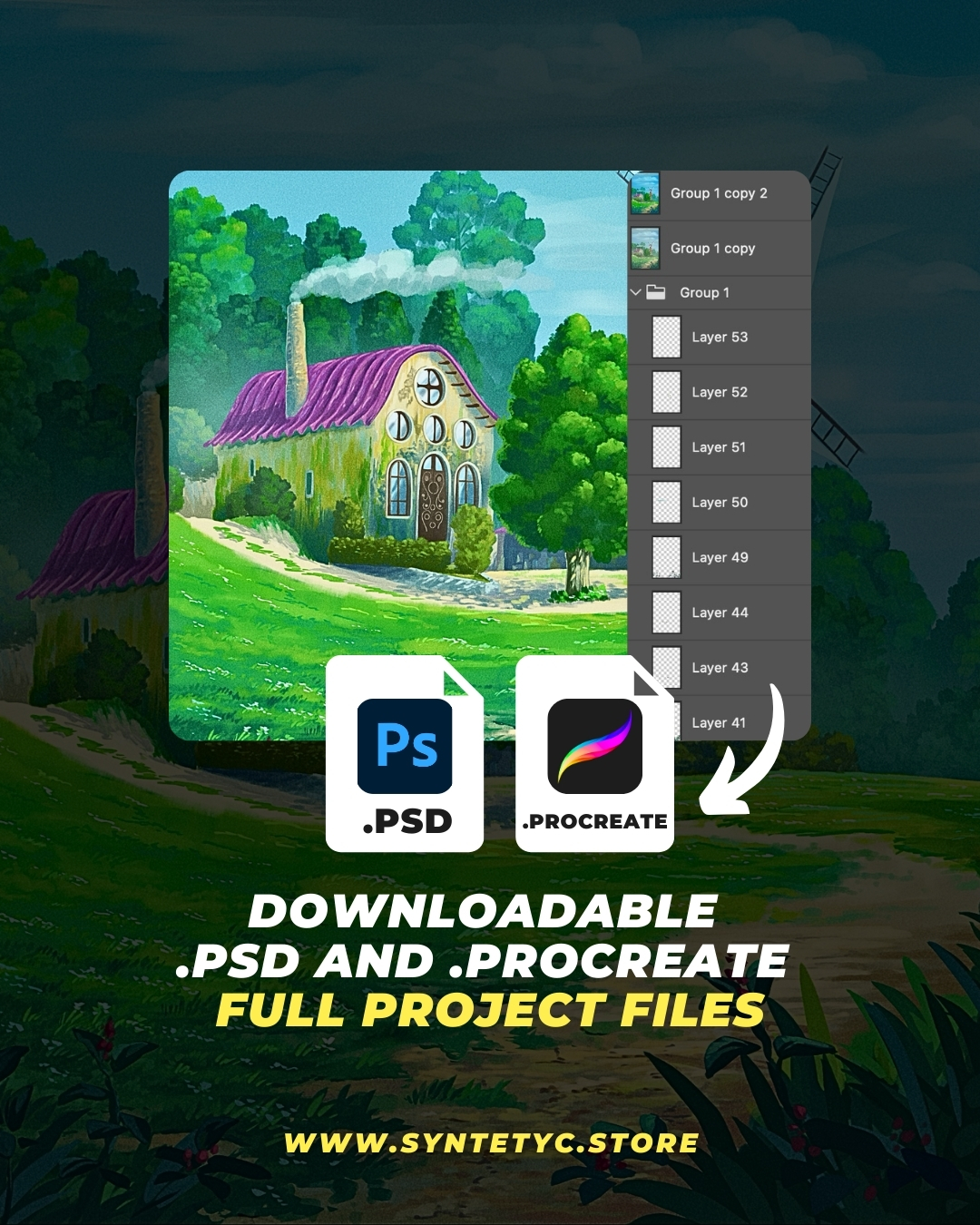
Downloadable .PSD and .Procreate project file, with all the layers and elements I used in the course.
The easiest way to learn and explore all the details.
The .PSD file can be opened with all popular drawing apps.
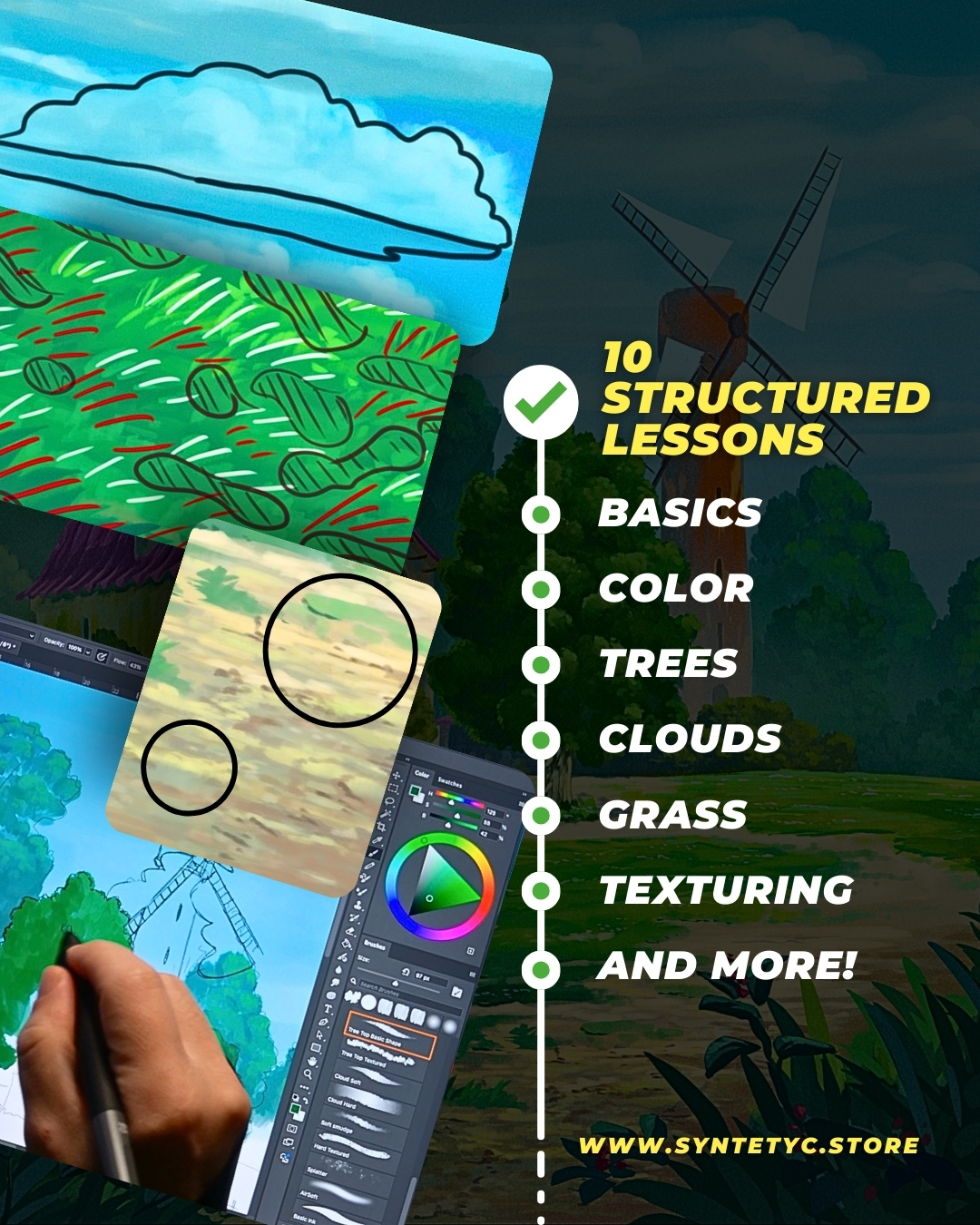
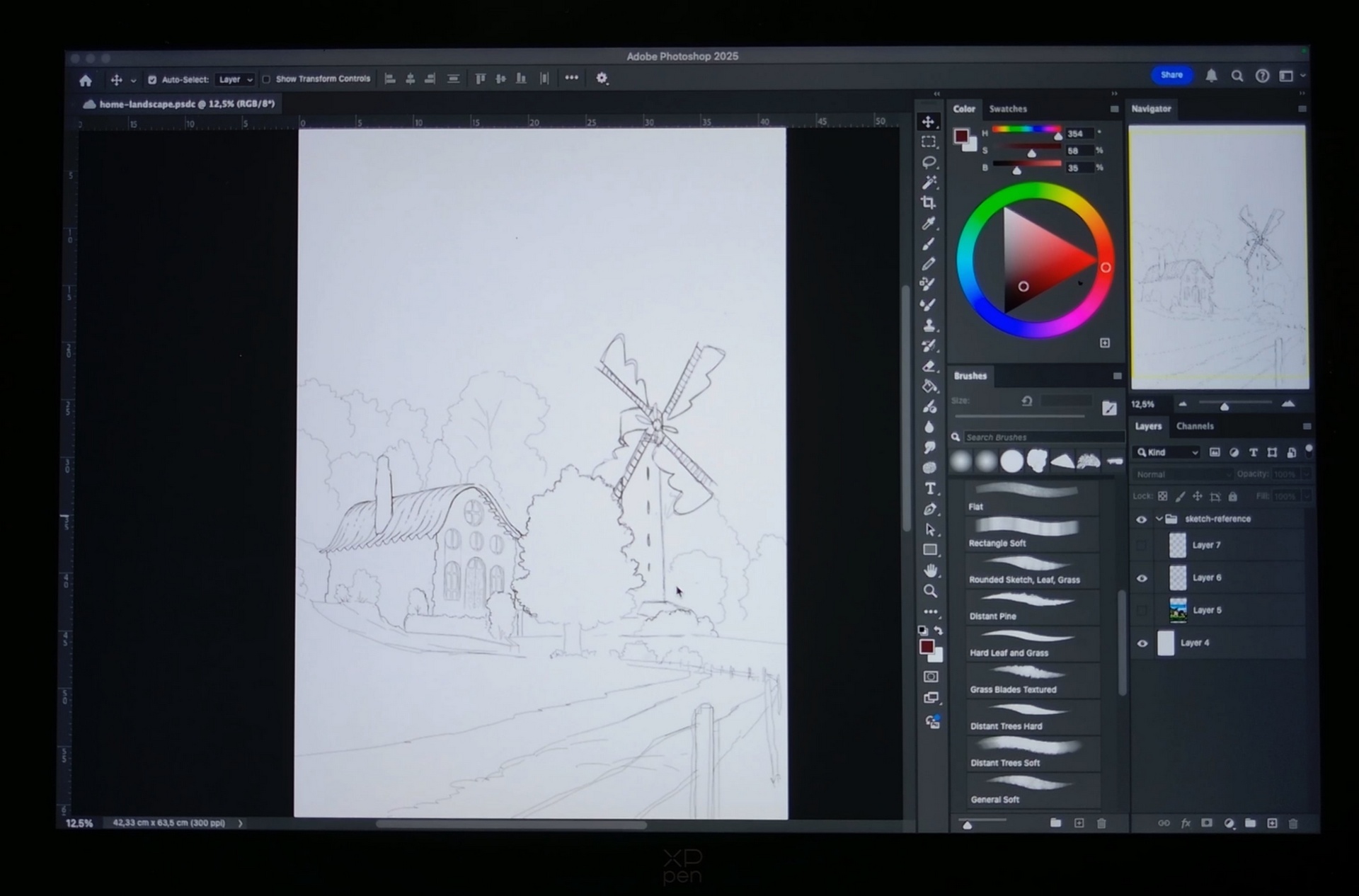
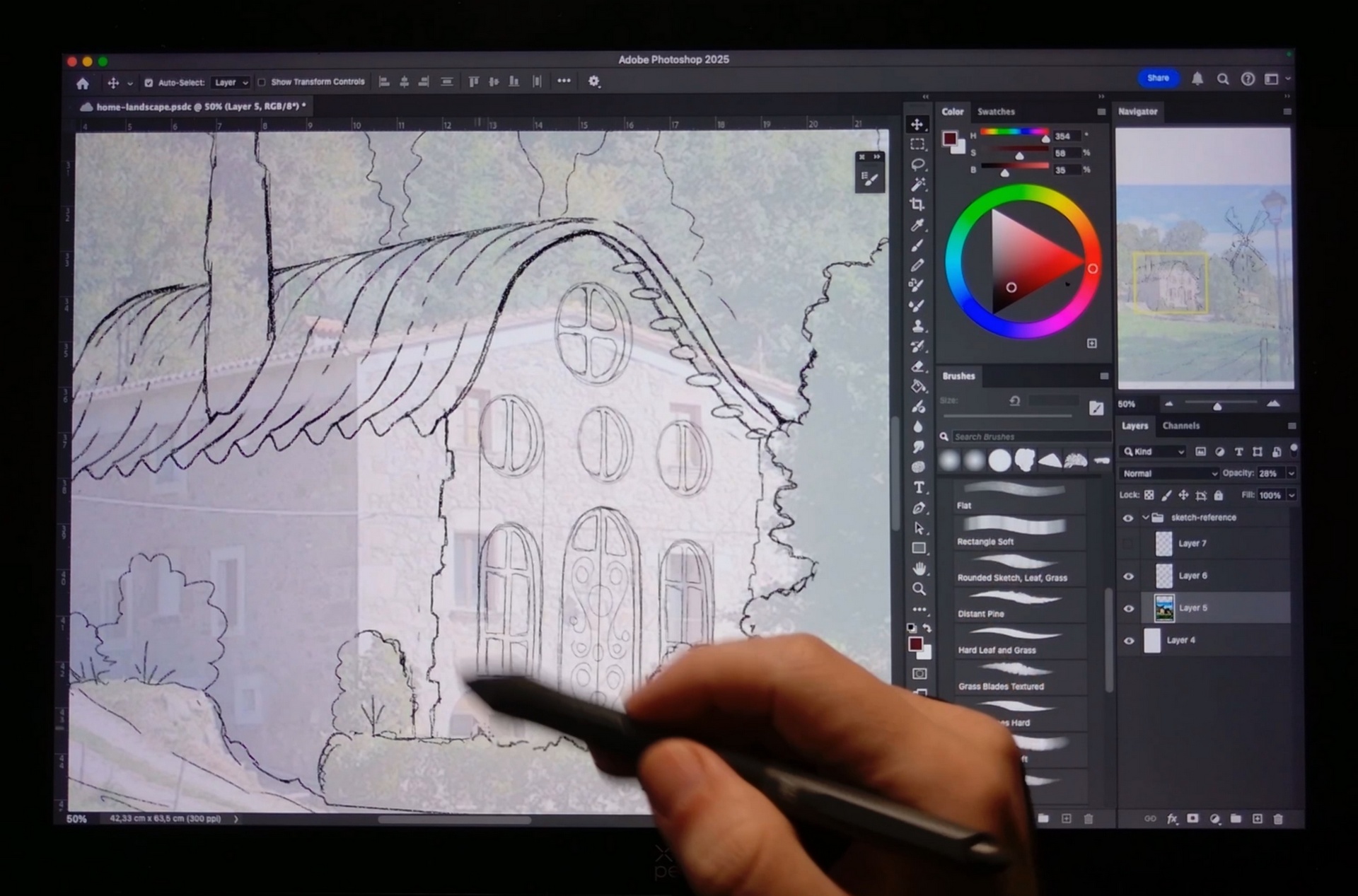
I will show you the project we will be working on, the brushes and the color palette, as well as the creation of the initial sketch and how to simplify shapes and lines to get an optimal sketch to start painting.
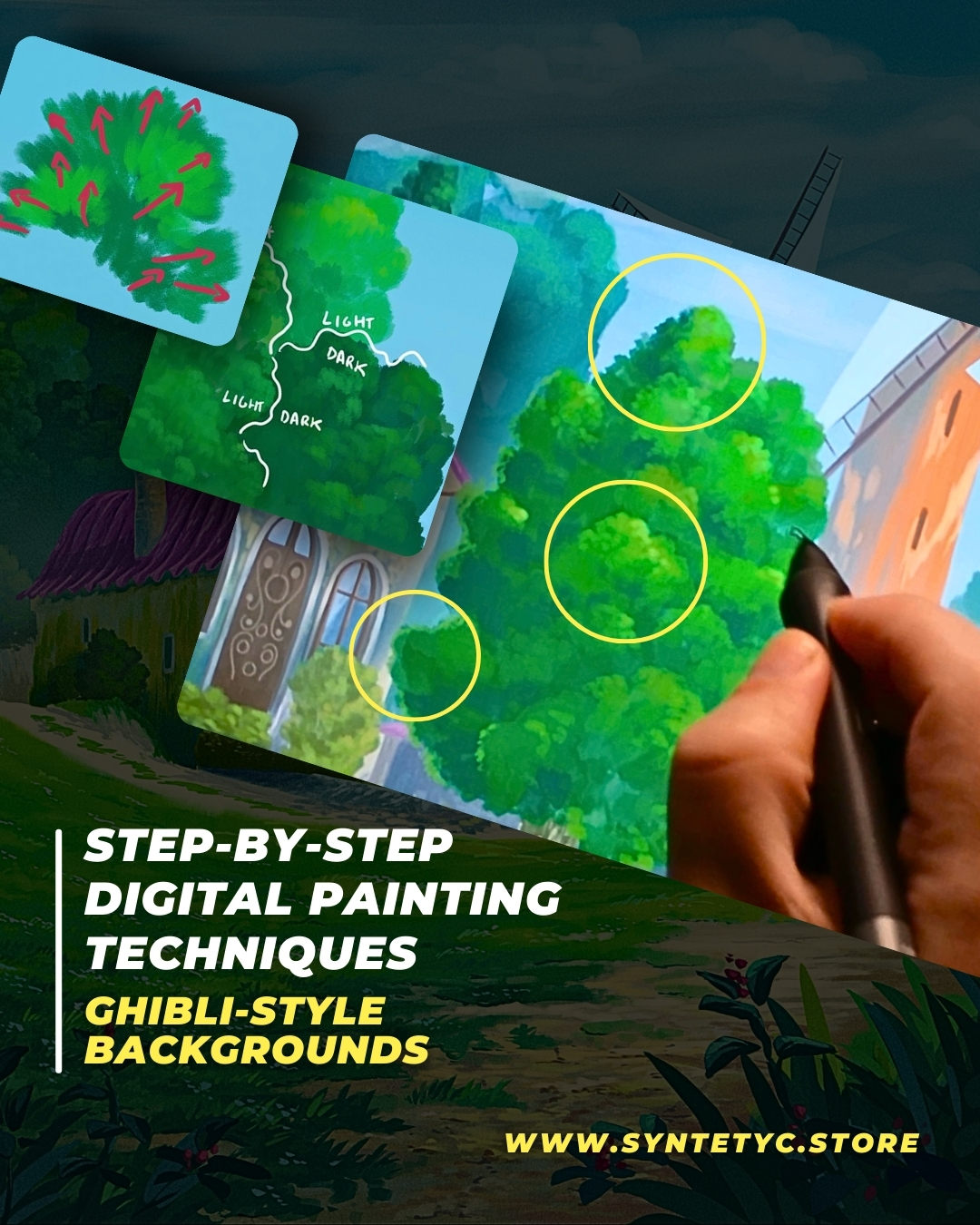
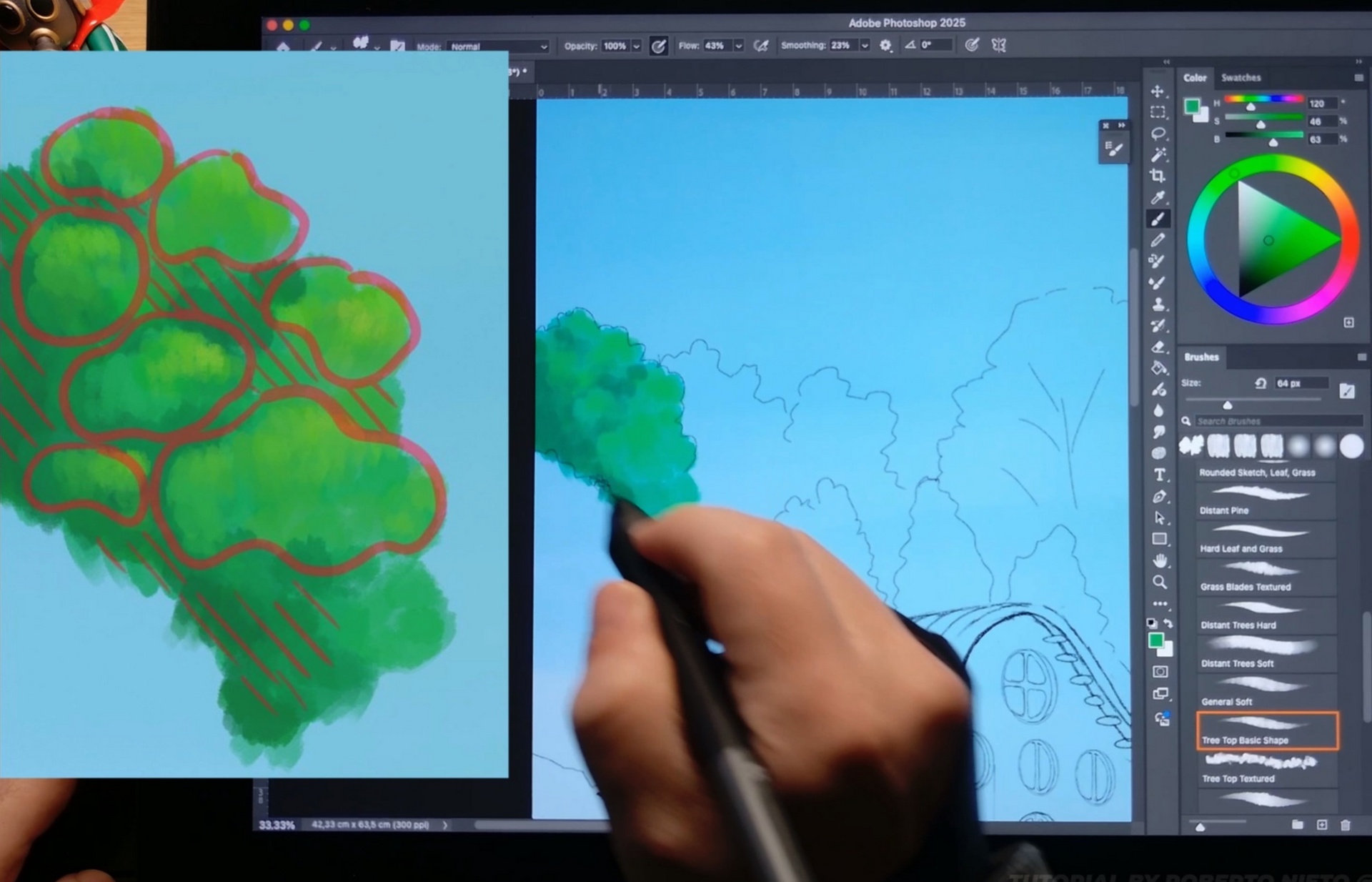
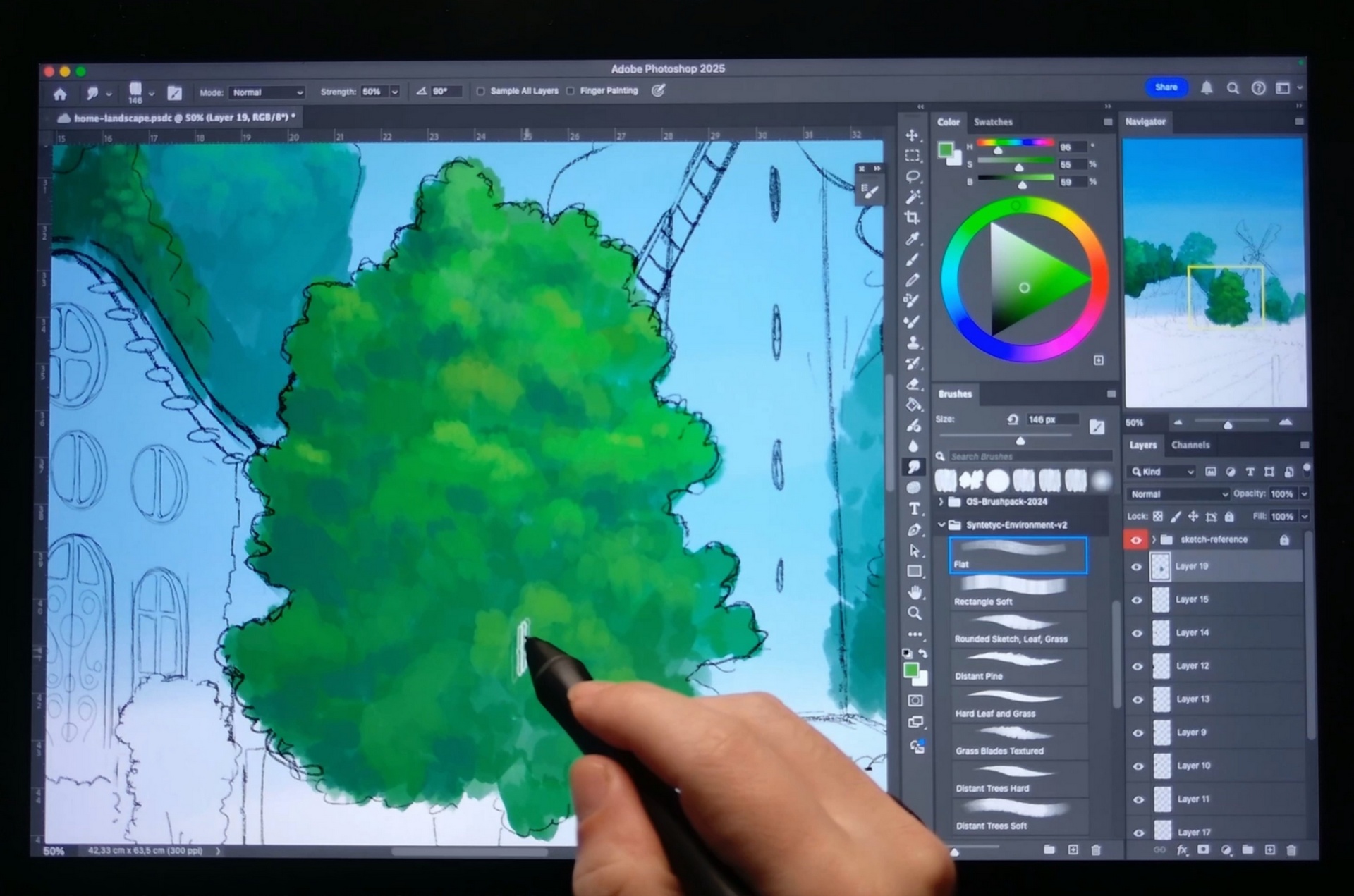
A very detailed lesson, with lots of advice, tricks and suggestions on how to paint anime-style trees.
From lighting to color, to how to manage large groups of trees while maintaining contrast.
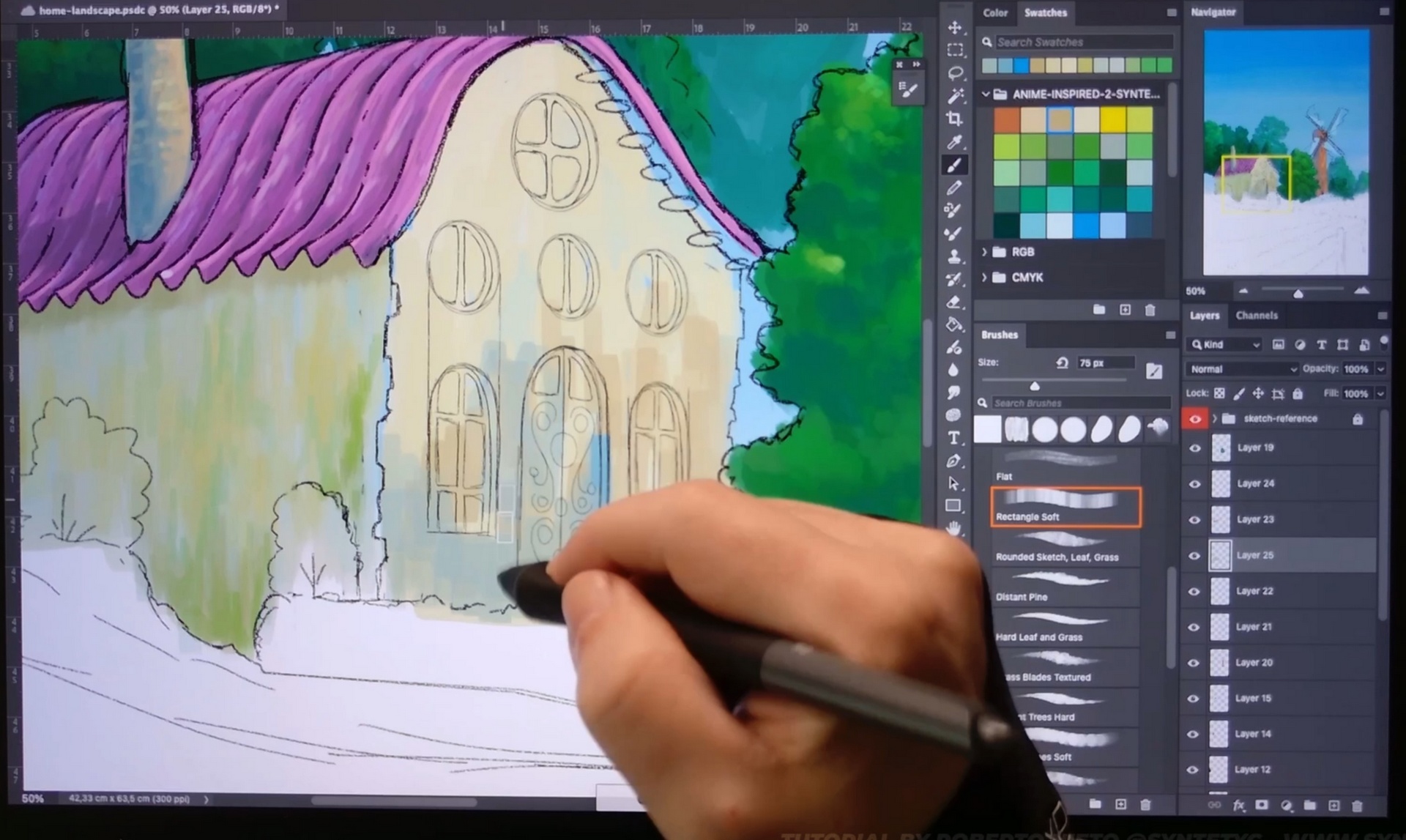
In this lesson I will show you how to paint architecture. Add texture to different surfaces, how to paint small details such as windows, doors and generate contrast.
In this lesson I will show you how to paint architecture. Add texture to different surfaces, how to paint small details such as windows, doors and generate contrast.
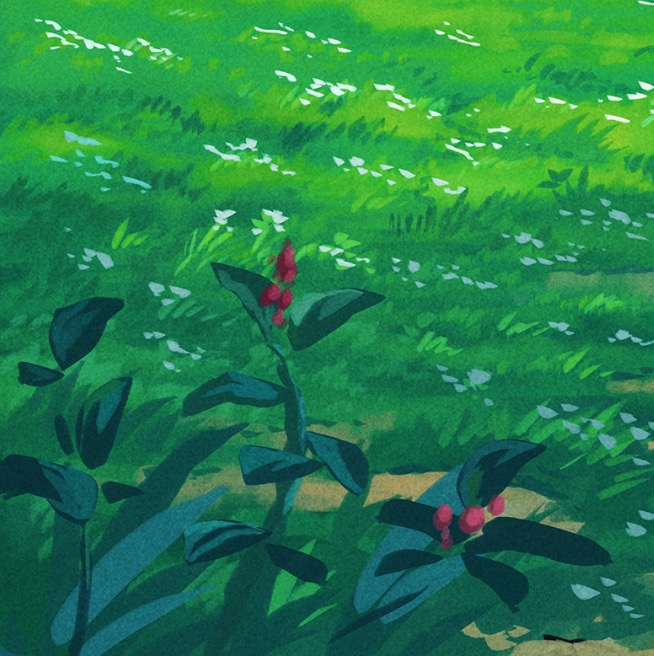
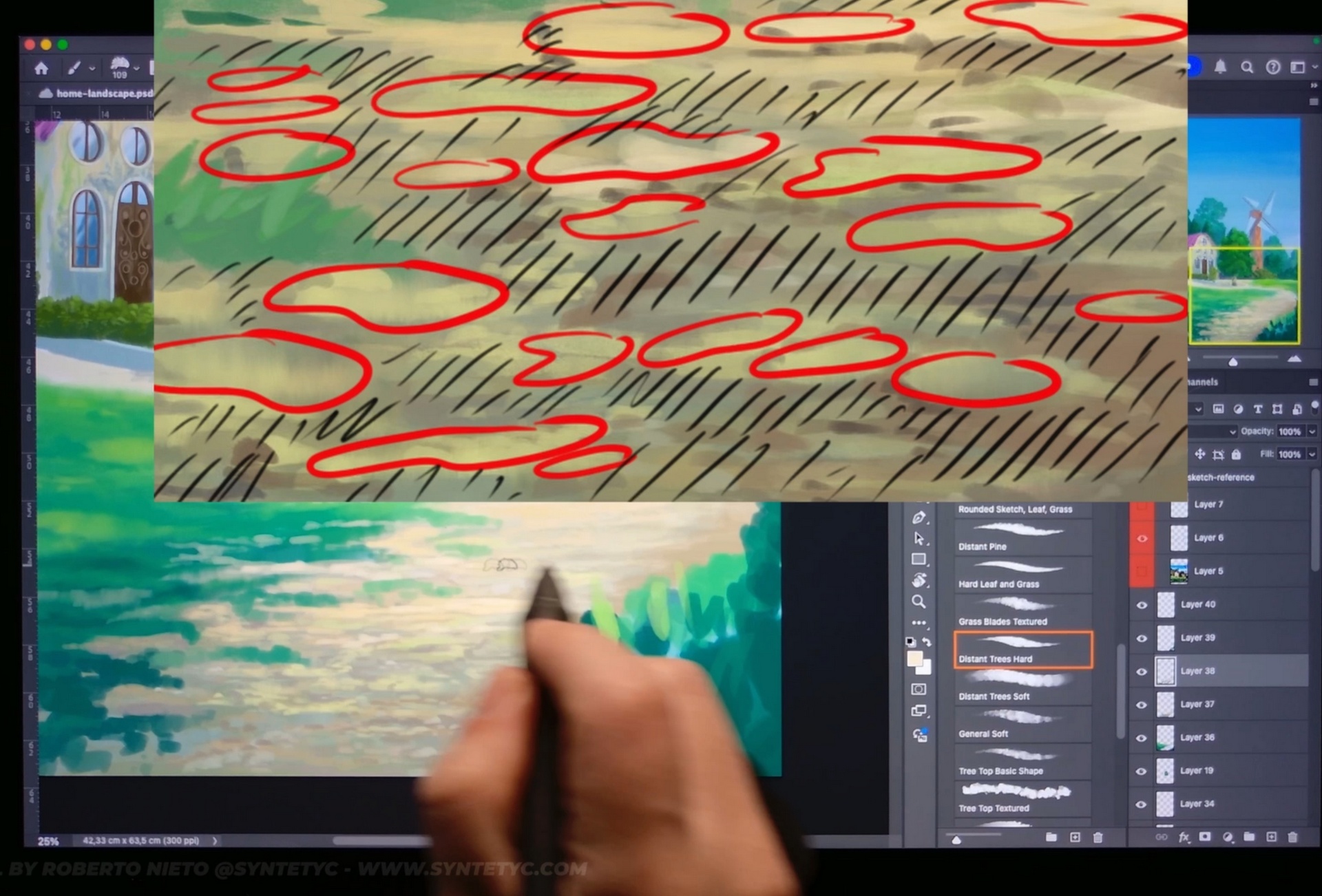
Anime-style grass is very important. It gives texture and life to any landscape.
In this lesson, I will show you how to give the unique texture of anime-style grass. It's not complicated, but it requires understanding several important concepts about digital painting in general and understanding how traditional painting works.
Anime-style digital illustrations are based on traditional-style techniques, and in this lesson we will delve deeper into these techniques.
In this lesson we return to some previous parts and add a layer of small details and adjustments and correct some errors.
Reviewing the process and retouching previous areas is part of the workflow.
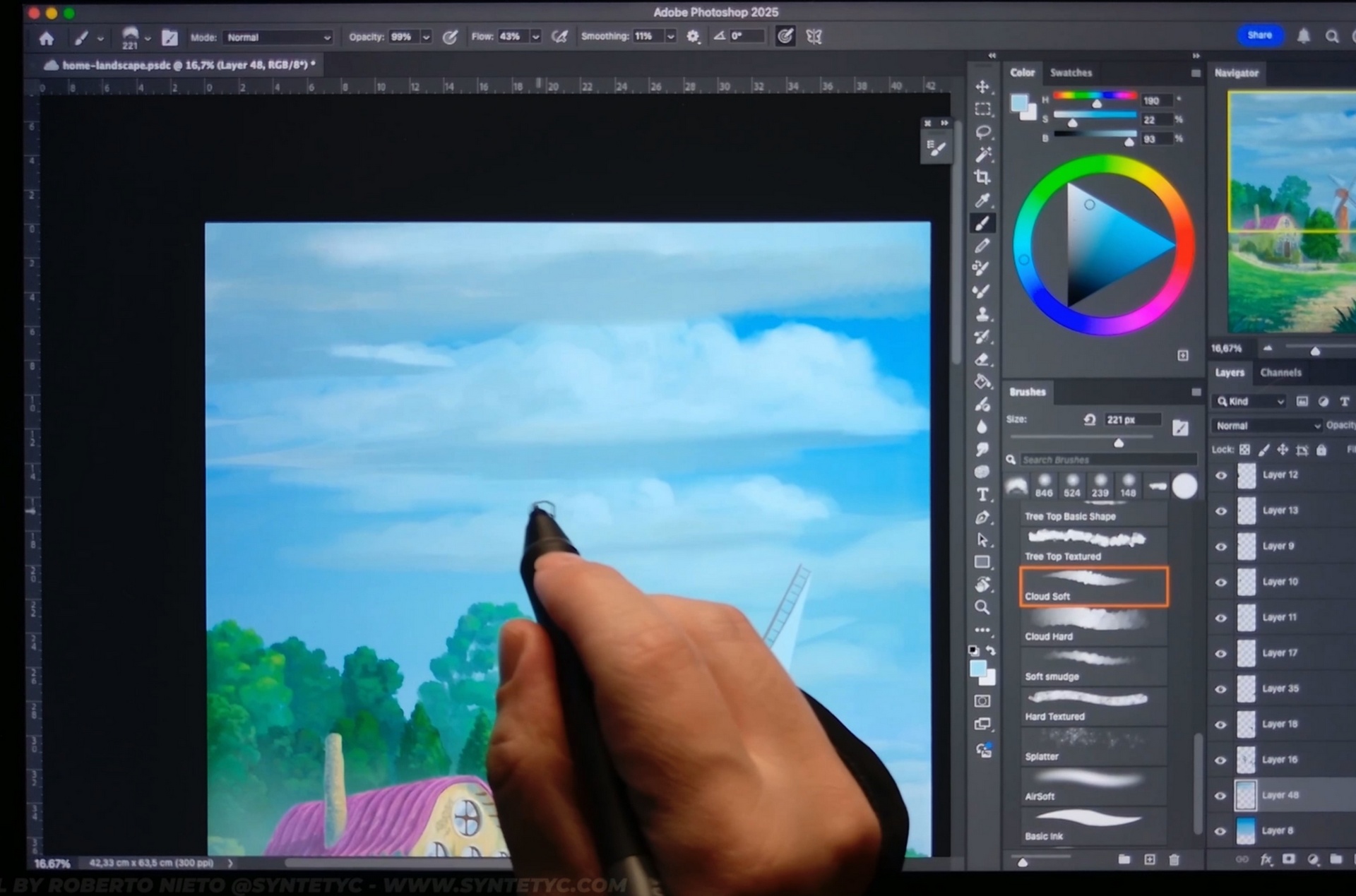
You will not only learn how to paint clouds in anime style, but also how to add atmosphere and depth using fog and ambient occlusion.
Useful techniques for adding depth and realism to your illustrations.
How to paint detailed vegetation, but keeping it simple.
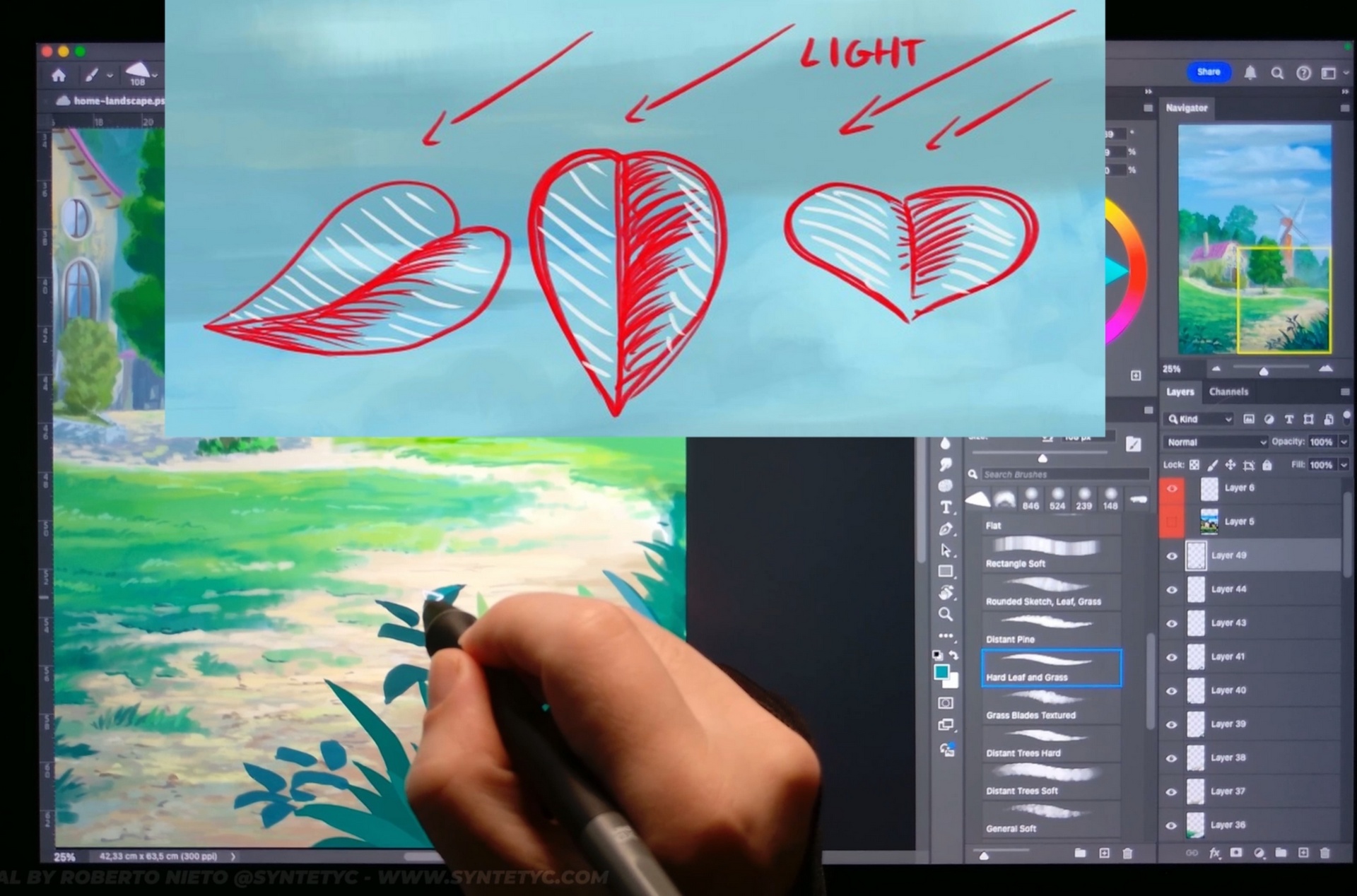
Foreground vegetation is very important in the anime style because it adds depth and texture to the overall illustration.
In this lesson, we will work on the overall shapes of the vegetation, understanding how light interacts with leaves and how to create logical shapes to create believable plants and flowers.
We now have the illustration finished, it's time to review it, go over the different elements and add the finishing touches.
Small details that will make the illustration stand out.
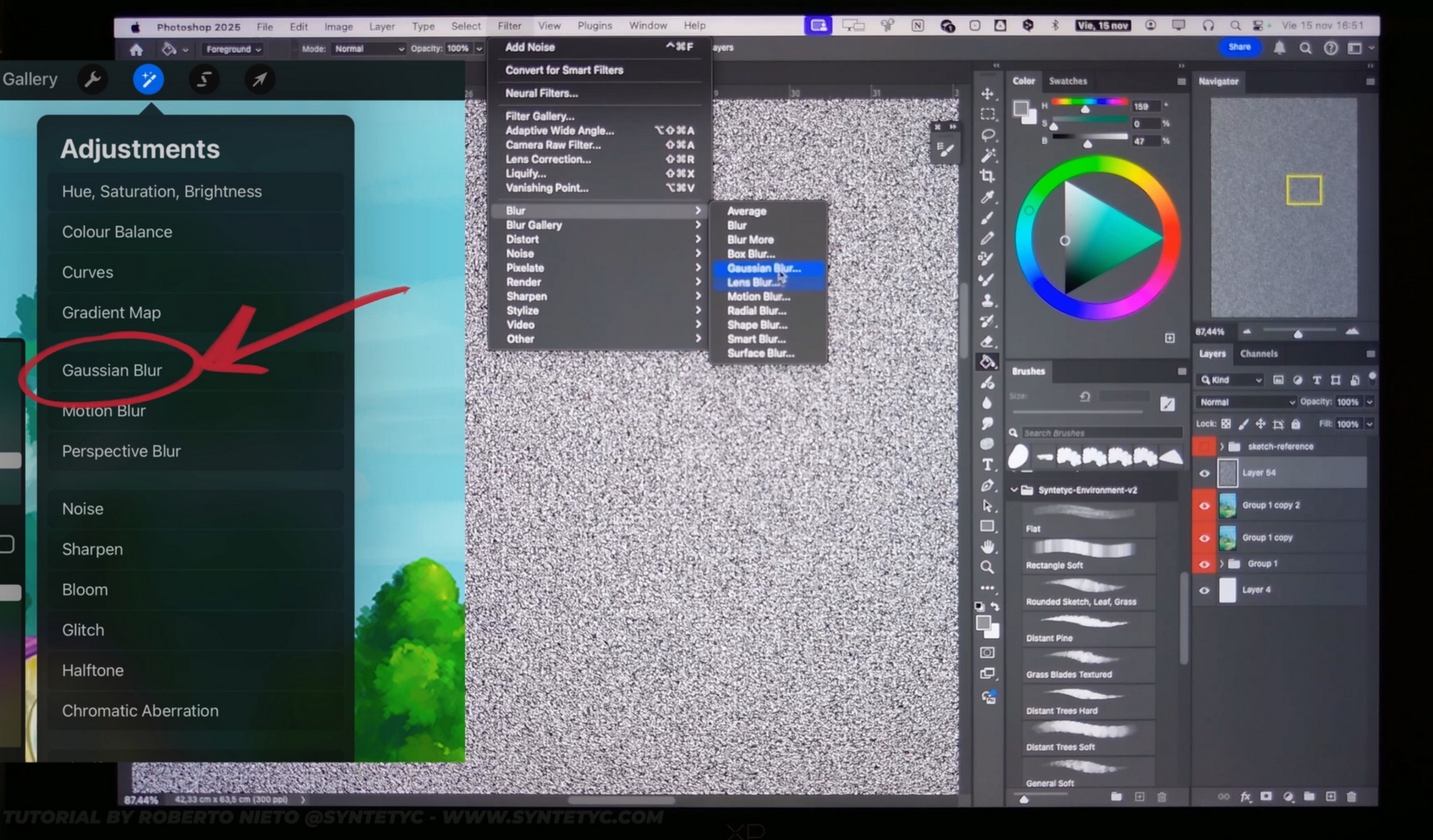
Using simple superimposition and modification techniques, I will show you how to add the final touch of color to the illustration.
In addition, how to add a little texture to give a traditional grainy effect.
The secret to authentic anime backgrounds lies in traditional gouache painting. This course translates the classic workflow of Japanese animation studios directly into the digital environment, allowing you to achieve an organic, handcrafted look.
You will learn the professional step-by-step process: starting with soft, water-dissolved color washes to create atmospheric blending and smooth skies, followed by layering opaque, highly detailed brushstrokes that mimic thick gouache over the watery base.
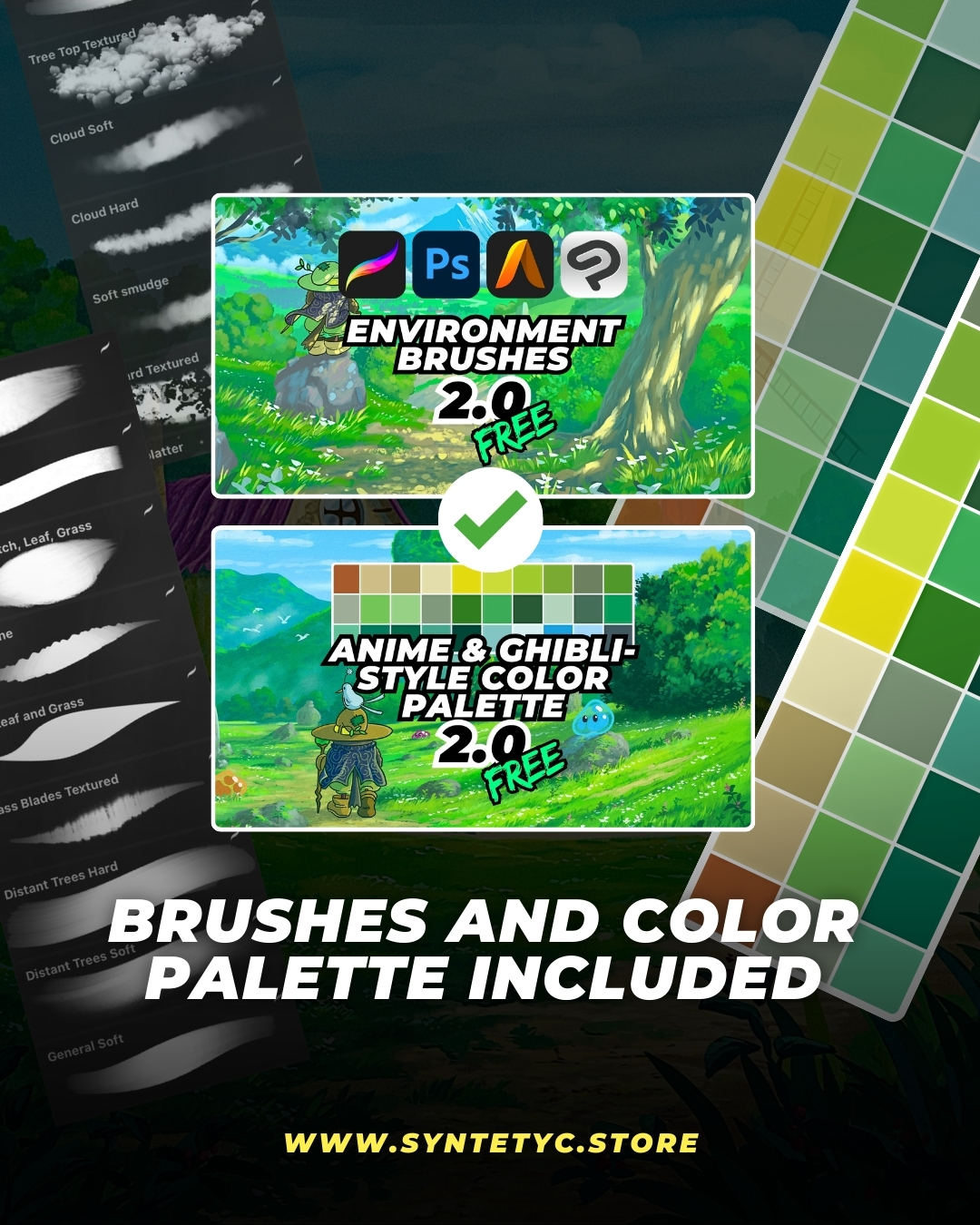
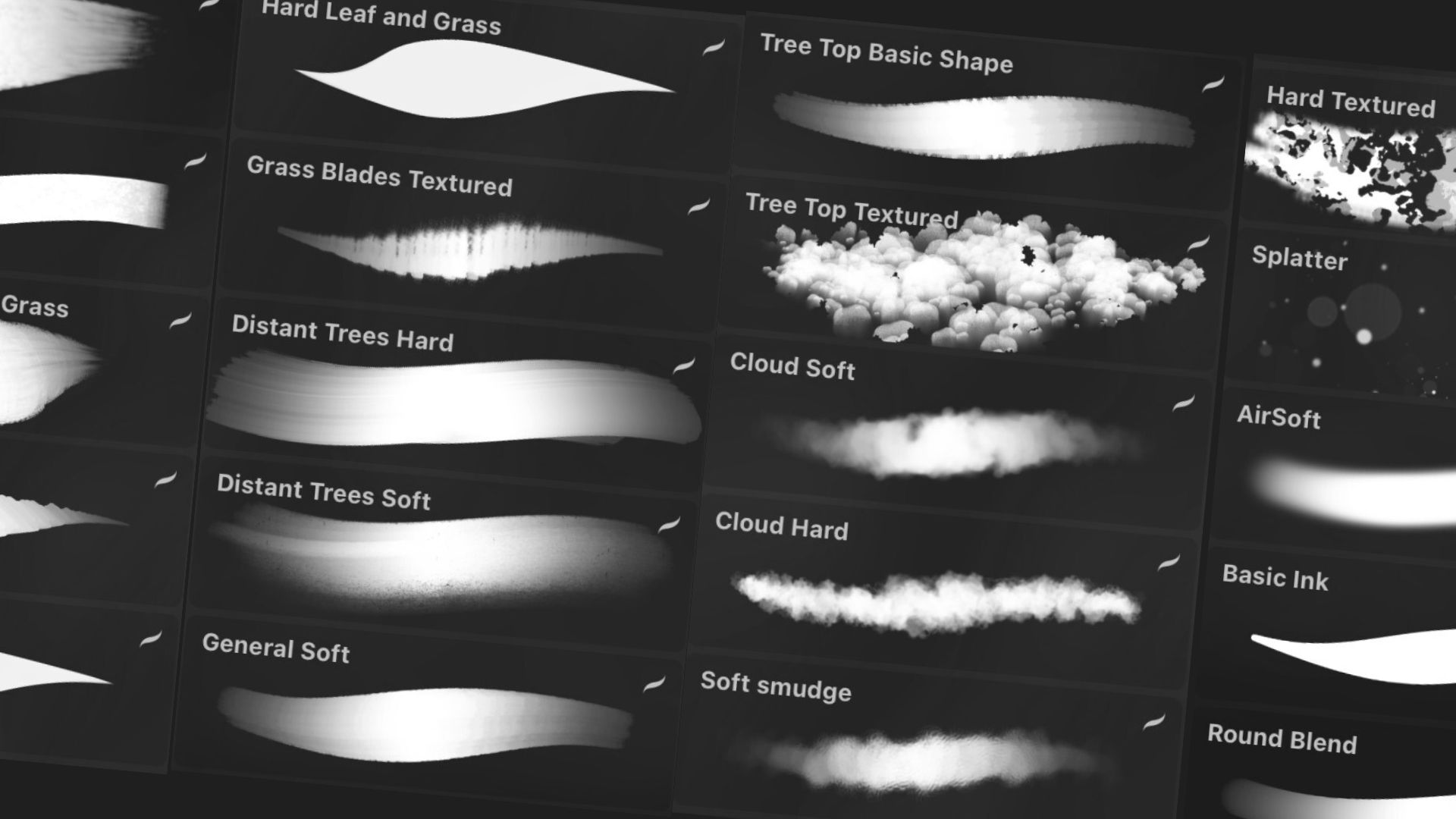
To achieve this result, you need the right tools. The course includes my professional Environment Brushes set, specifically designed and calibrated to replicate the texture, blending capabilities, and behavior of traditional paints.